
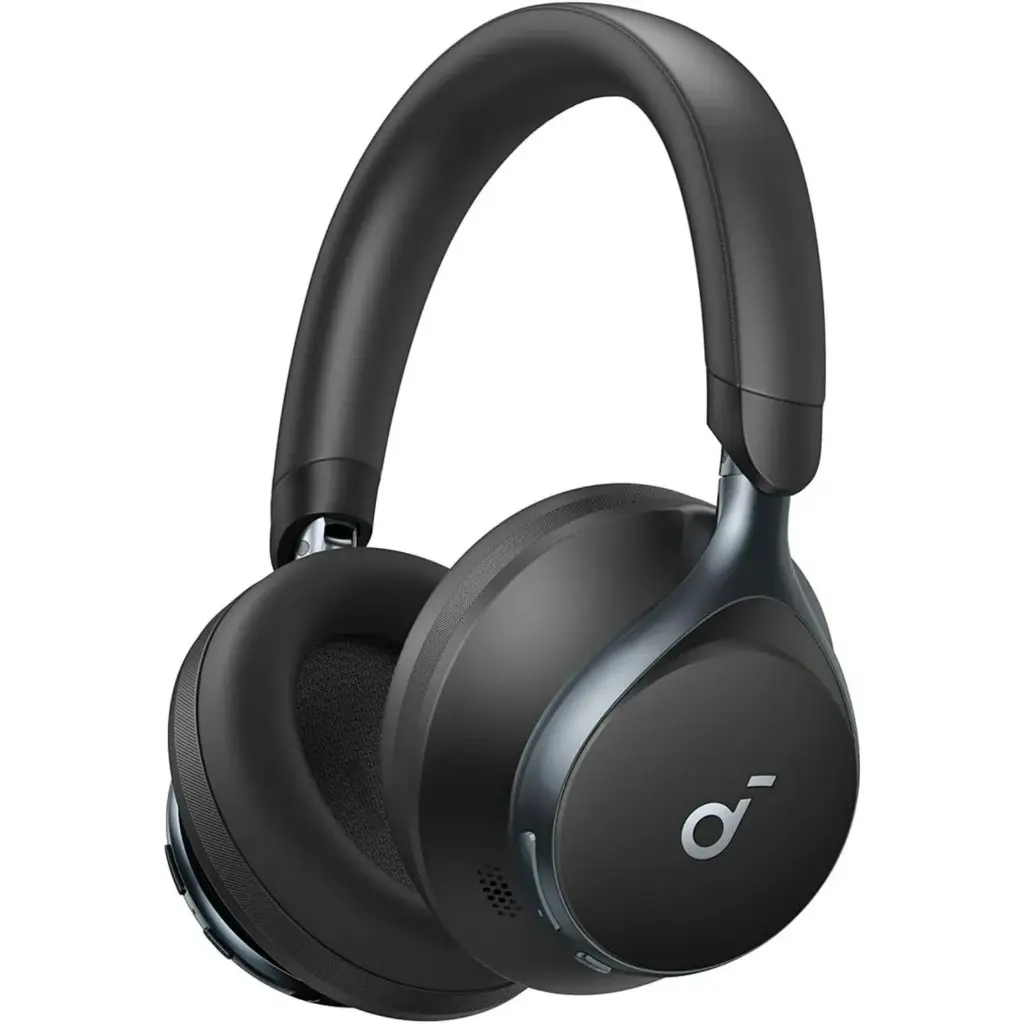







Anker Soundcore Space One Over-ear Wireless Headphone Black
| Brand: Anker |

Tags |


Easy Pack-and-Go
Designed for smooth movement and a symmetrical look. The ear cups rotate and fold neatly for convenient storage.
Contours to Any Head Shape
With the floating design, the ear cups rotate 8° in either direction, effortlessly conforming with high compatibility, for a natural fit.
Long-Listening Made Comfortable
The headband evenly distributes pressure on your head, for gentle support and comfort during prolonged wear.
Sleek, Smooth, and Elegant
Space One combines style with ergonomic design, offering comfort and 3 stunning colors to showcase your flair.
FAQ
Operation Related
Connection Related
Specifications
Call Related
Troubleshooting Related
Others
Documents & Drivers
How to Switch Ambient Sound Modes
1. Space One automatically sets the default ANC and Transparency levels are both set to 5. These levels can be adjusted through the soundcore app according to personal preference. 2. Pressing the NC button once will switch between noise canceling and transparency modes by default. You can add "normal mode" through the soundcore app, after this, you can press the NC button to cycle through noise
How to Reset
How to Switch to BassUp Mode
How to Enable the Wear Detection Function
Wearing Calibration Related
How to do Firmware Upgrades
Call Control
Bluetooth Indicator and Prompt Tone Related Information
Battery Level Indicator and Prompt Tone Related Information
Play-time Related