

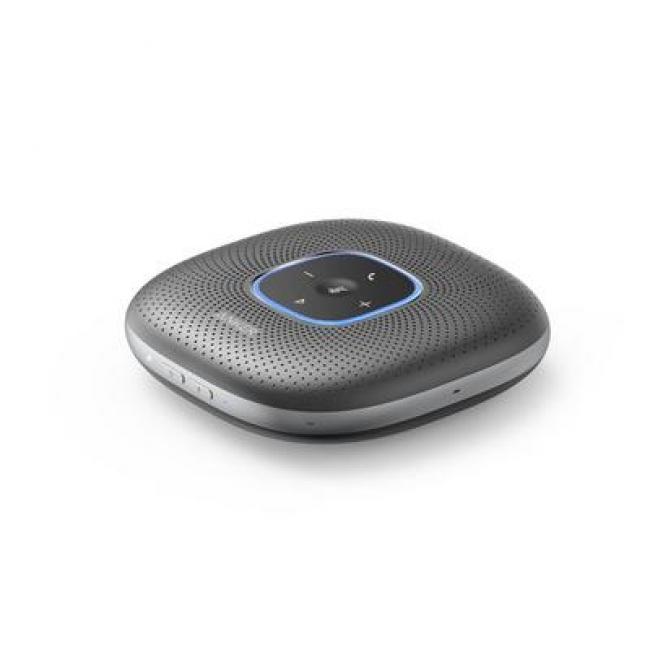





**Powering On**: Begin by powering on the ANKER A3301H11 PowerConf Bluetooth and USB Speakerphone. Press and hold the power button until the LED indicator lights up, indicating that the device is powered on and ready for use.
2. **Pairing with Device**: Activate Bluetooth on your smartphone, tablet, or computer. Look for the “ANKER A3301H11” option in the list of available Bluetooth devices and select it to pair the speakerphone with your device. Alternatively, connect the speakerphone to your device using the provided USB cable.
3. **Adjusting Volume**: Use the volume controls on the ANKER A3301H11 Speakerphone to adjust the volume to your desired level. Ensure that the volume is set appropriately for clear and audible communication.
4. **Placing the Speakerphone**: Position the ANKER A3301H11 Speakerphone on a stable surface within reach. Ensure that the microphone is facing towards you for optimal voice pickup during calls or conferences.
5. **Making Calls or Conferences**: Once paired and positioned, use the ANKER A3301H11 Speakerphone to make calls or participate in conferences. The high-quality microphone and speaker ensure clear and natural sound reproduction for both you and the participants on the other end of the call or conference.